
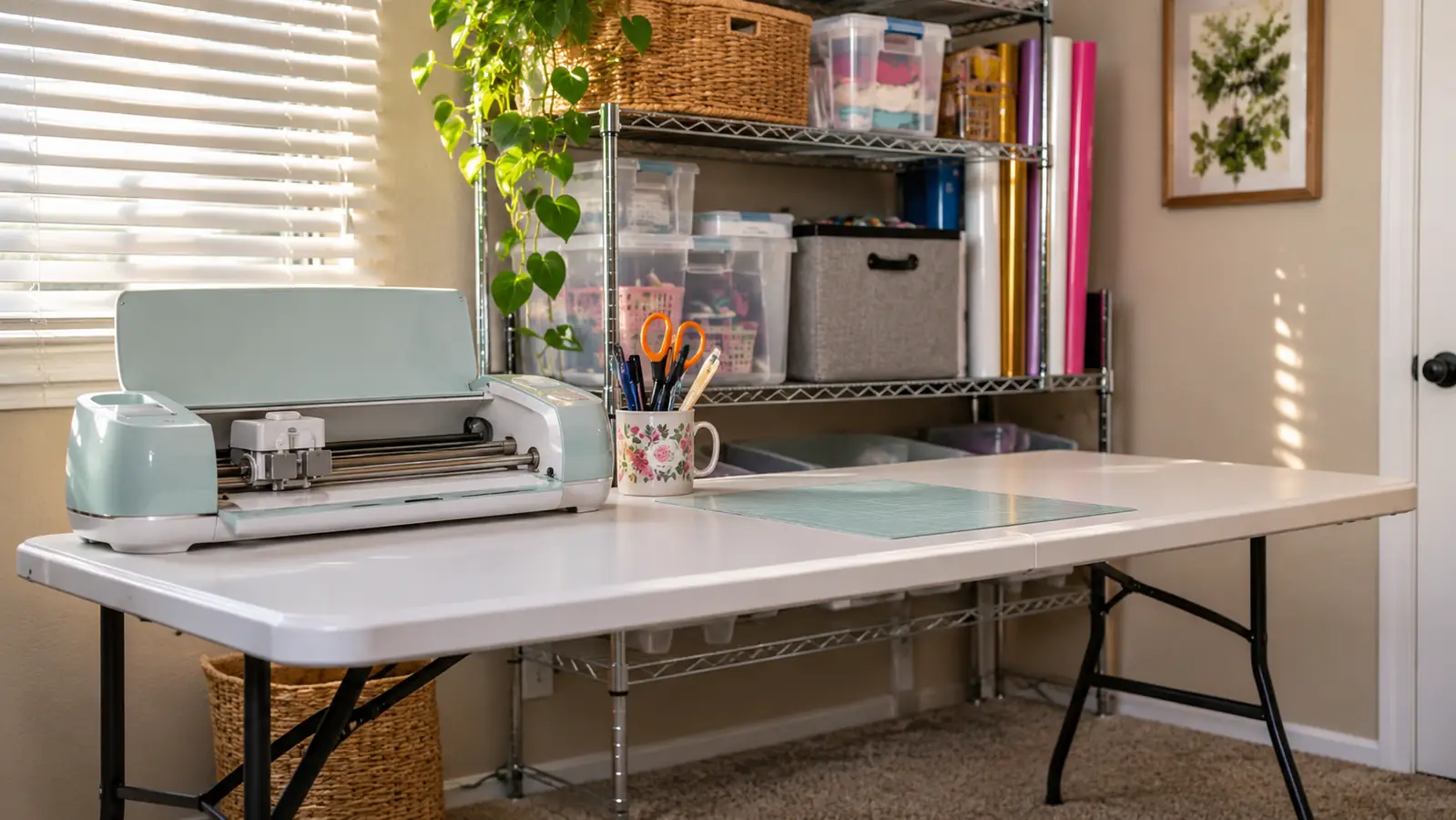
I bought the Cricut Joy Xtra in March 2026 because Bev, a friend from church, showed me a small name decal on her water bottle in February and I could not stop thinking about it. I was 58, retired from a school office job in Tulsa, and I had never cut vinyl in my life. The spare bedroom had a six foot folding table in it, a wire shelf and the spare bed. That table is where the machine has lived since the day it arrived.
Eight months later it sits on the left end of that table, tools standing in a mug beside it, and I still use it a few times a month. I have not replaced it or moved it. What follows is what I actually know after one machine, one table, and most of a year, including the parts that do not flatter it.
The Quick Verdict
A small cutter that earns its space in a spare bedroom. Good at decals and iron-on, clear about its limits, and rough on a beginner for about a week.
Amazon Check Today's Price →Eight months on one table, and it has not needed a repair
The Joy Xtra is small and narrow. If your work is decals, shirts, tumblers and cards rather than big signs, that narrowness costs you less than you would expect.
Amazon Check Today's Price on Amazon →How I've Used It
My setup is plain, and plain is the point. The folding table runs along one wall of the spare bedroom. The cutter sits on the left end. A mug of weeding tools stands beside it, with the hook, the tweezers and the loop within reach. My laptop sits in the middle of the table, between the cutter and a pressing mat at the right end. The vinyl rolls stand upright in a plastic bin on the wire shelf. Nothing folds out, nothing gets carried to the kitchen, and nothing lives in a garage. If you have a spare room and a flat surface, you have room for this.
I have cut three materials in eight months: permanent vinyl, iron-on, and cardstock once in April for a card. The cardstock came out with rough edges and I have not tried it again. Permanent vinyl is what most of my small jobs use, and it is the material I know best. Iron-on only came into the picture in June, when I added a heat press. The press is a separate machine. The Joy Xtra cuts the iron-on; the press applies it, and neither one does the other's job.
When I started, the room held a table and a shelf and a box of odds and ends. Now the left end of the table is the cutter, the right end is the pressing mat, and the shelf holds the press and the vinyl. That is the whole change. There was no renovation, no bench, no pegboard. A craft corner in a spare bedroom is mostly a decision about where to put the laptop, and then leaving it there.
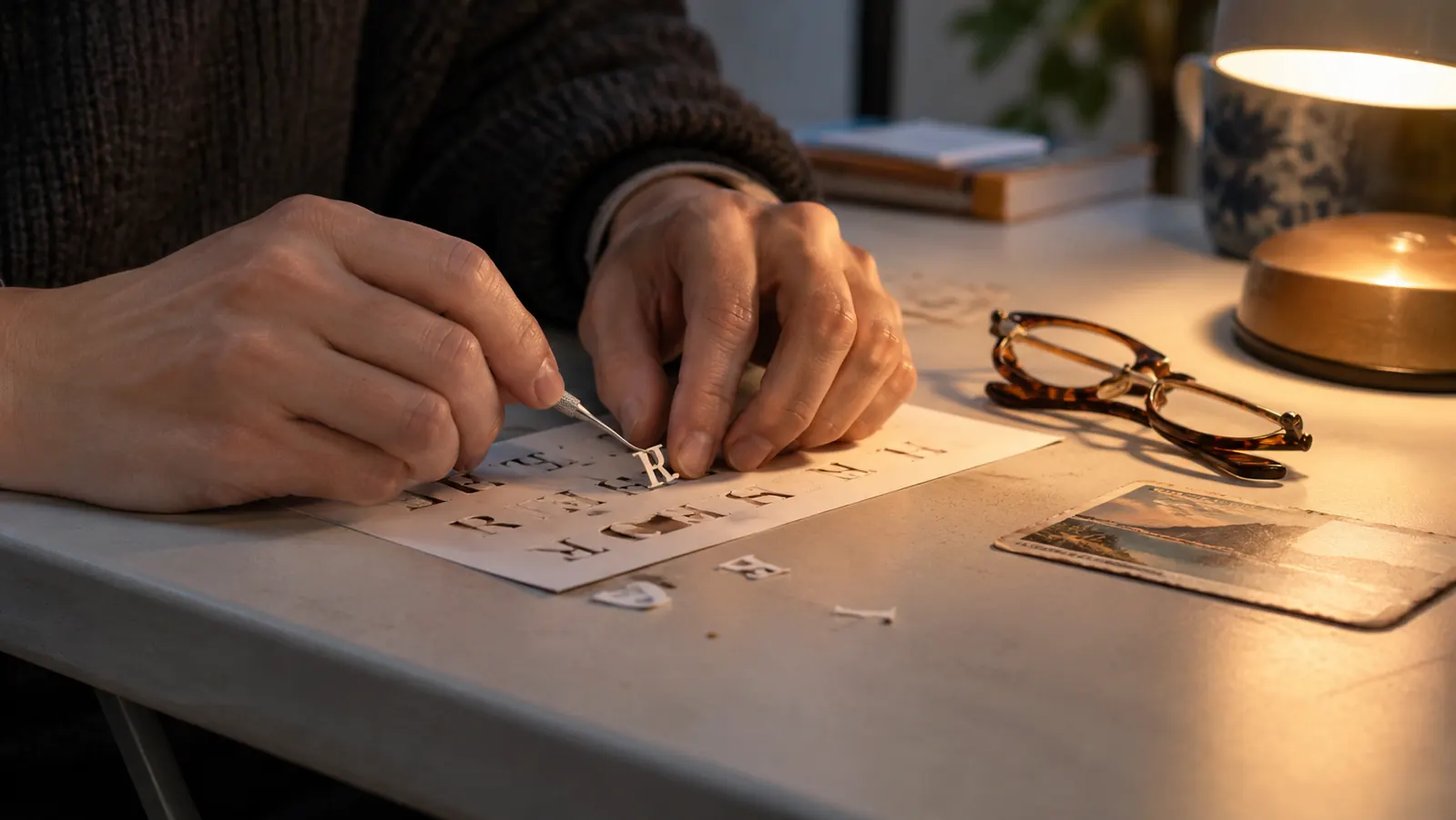
Frequency matters more than anything else in a long review. I do a few projects a month. Some weeks the table sits untouched. I weed a couple of evenings a month at most, under a desk lamp with my reading glasses on. I have never had a stretch where the machine ran daily, so I cannot tell you how a heavy user would feel. I can tell you how it behaves for someone who picks at it in the evenings after supper.
I took finished work to one craft fair at our church hall in October, and the machine stayed home. It has never left the table, which is worth saying because it is small and light and people ask whether I take it places.
The First Evening Was Not Smooth
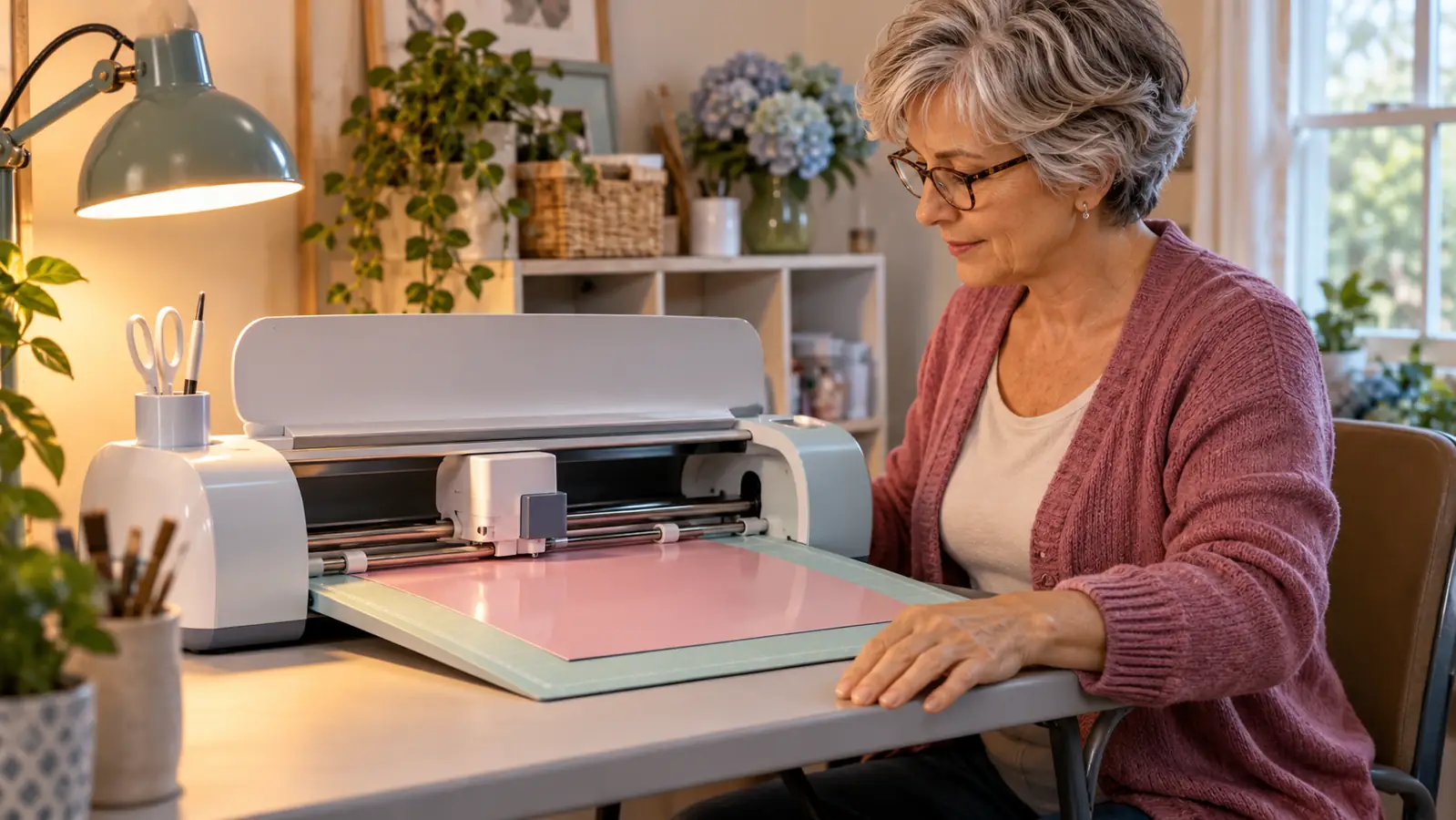
The first thing I ever cut was a small name decal for Glen's toolbox, one evening in March. I typed the word into Design Space, picked the vinyl setting, and sent it through. That part was easier than I expected. The trouble came afterward, when I tried to weed it with a straight pin from my sewing box. The G tore.
I cut the word again, opened the weeding set I had bought in the same order, and used the hook instead. The hook worked and the letter came up clean. The decal is still on the toolbox. That is the whole story of the one thing I ruined on this machine, and the cause was the pin, not the cutter.
The software was a different matter. Cricut Design Space felt confusing for the first week. I could not tell a project from a canvas, and I could not work out where my own shapes went after I saved them. I made notes on the back of an envelope, which is what I do with anything I do not want to learn twice. By May I was comfortable. Two months of occasional evenings is what it took me, and I am not quick with software. Someone quicker will get there faster, and someone who gives up on a tool in the first sitting will not get there at all.
What Fits on the Bedroom Table
The machine measures 12.5 inches wide, 6 inches deep and 5.5 inches high, and it weighs 6 pounds. That is small enough to sit on a folding table without taking it over, and light enough that I could move it if I wanted to. I do not want to. It has been in the same spot since March and I like it there.
The working width is the real limit. It cuts on its own mat, which is 8.5 inches wide. A 12 inch roll of vinyl is wider than that, so I trim the piece I need with scissors before it goes anywhere near the machine. Trimming takes seconds and I do not think about it anymore. What it means in practice is that the Joy Xtra is not the machine for a large sign, and no amount of practice changes that.
I turned down a request for a large banner for the church because of it. That is not a fault in the machine. It is an honest reading of what it can do, and knowing it before you buy saves a good deal of disappointment. If banners and yard signs are your plan, this is the wrong tool, and it is better to hear that from someone who owns one than to find out after the box is open.
What It Does Well
Decals are the heart of it. I have cut names, labels, house numbers, and a straightforward line of lettering for a door, and the machine handled each cut cleanly once I told Design Space which material was loaded. That division of labor is worth understanding: I pick the material, the machine handles the cut. I have never touched or changed the blade, and in eight months I have never needed to.
The material list is wide. Cricut lists 50+ materials, and while I have used three, the two that matter most at a home table, vinyl and iron-on, are both covered properly. Iron-on cuts well and weeds easily at ordinary letter sizes, which is what most people make with it.
The vinyl side of it rewards patience in a way I did not expect. A clean cut lifts off the backing in one piece, and the small letters that looked impossible in March turn out to be the easy part once the hook is in your hand. Rough edges come from the material and from hurrying, not from the machine.
There is a free content library with 3,000+ images and 100+ fonts, and the wider library behind it runs past 1.5 million images. I use the free images and my own words. For decals with names on them, the fonts are the useful part, and 100+ of them is more than I will ever sort through. I have never paid for a design and have never felt the need.
Print Then Cut is the feature that comes up whenever someone asks about stickers. It prints a full color design on an inkjet printer and then cuts around it. I own no inkjet printer and have never used it, so I am not going to review it. I mention it because it exists, because it is part of what you are buying, and because you should not take my silence on it as either praise or complaint.
Where It Frustrates
The narrowness is the honest downside. Wide vinyl has to be trimmed, big work is off the table, and there is a ceiling you will reach eventually. I reached it with the banner request and I expect to reach it again. If your projects keep getting bigger, this machine will keep telling you no.
The software is the second frustration. It is not hard once it clicks, but the first week is genuinely annoying, and if you are the sort of person who abandons a tool in the first sitting, this is where you will abandon it. Nothing in the machine causes that. It is the interface, and it is the part I would warn a friend about.
The third is that the machine does nothing on its own. It needs you at the table, choosing material, loading the mat, weeding, applying. A few people I have talked to expected something closer to a printer, where you press a button and collect a finished item. This is a cutter. The finishing is yours, and if that part does not appeal, the whole thing is a chore.
What I have not tested is worth stating plainly. I have used Bev's Silhouette Portrait 4 twice at her house, with her sitting beside me both times. I have cut one sample sheet of a different vinyl she gave me and used one strip of a different transfer tape. I have never used an LED weeding pen or a different heat press, so I have no opinion on either and will not pretend to. Everything above comes from one machine on one table.
What Eight Months Has Changed
Not much about the machine, and quite a lot about me. In March I could not have told you what weeding was. Now I can look at a piece of vinyl and know whether it will be easy or fussy. The machine did not get better. I got used to it, which is the way it usually goes with a tool that sits in one place and waits.
The thing I notice most is that it has stayed. Plenty of hobbies in this house have ended up in a box on the shelf by the second month. This one is still plugged in and still on the left end of the table, and I still have a use for it a few times a month. For a machine that does one narrow thing well, that seems like the honest measure.
What I Liked
- Sits on a folding table without taking it over: 12.5 inches wide, 6 inches deep, 5.5 inches high, 6 pounds
- Clean cuts on permanent vinyl and iron-on once the material is picked in Design Space
- 50+ materials supported, including cardstock
- Free library of 3,000+ images and 100+ fonts, with a much larger library behind it
- One blade, no adjustments, no repairs in eight months of regular evening use
Where It Falls Short
- The 8.5 inch mat means a 12 inch roll has to be trimmed, and large signs are out
- Design Space takes about a week of evenings before it stops being irritating
- Print Then Cut is untested here because I own no inkjet printer
- The one time I cut cardstock, the edges came out rough
- It is a cutter only, so the weeding and applying are all on you
Eight months, three materials, one blade, no repairs. The only thing that ever tore was a letter I weeded with a sewing pin.
Who This Is For
This suits someone with a small space and small projects. A spare bedroom table, a few evenings a month, decals for friends, shirts for a church group, labels, tumblers, cards. It suits a person who is willing to spend a week being confused by software and come back the next evening anyway. It also suits someone who would rather own a narrow machine that does their actual work well than a wide one that sits unused because it takes up the whole table. That is the trade, and it is a good one for a home setup.
It suits people who like a tool that stays put. If you want a machine you can carry to a friend's kitchen and set up in five minutes, this one is light enough for that, but the mat, the laptop and the trimming all travel with it, and in practice I have never bothered.
Who Should Skip It
Skip it if your projects are banners, yard signs, or anything wider than the mat. Skip it if you want Print Then Cut stickers and have no inkjet printer that you intend to use alongside it. Skip it if you expect to press a button and collect a finished item, because that is not what a cutter does. And skip it if you know you will not sit through the first week of Design Space, because the machine will be fine and you will be done with it. None of that is a criticism of the Joy Xtra. It is just a list of jobs that belong to a different machine.
Small projects, small table, and a machine that stayed for eight months
If your work is decals, iron-on and the occasional label, the narrow bed stops mattering after the first week. Check the current listing and see whether the materials you need are on the supported list.
Amazon Check Today's Price on Amazon →